CompanionJune 19, 2026
ThorNotes
Small bottom-screen notebook app
Description
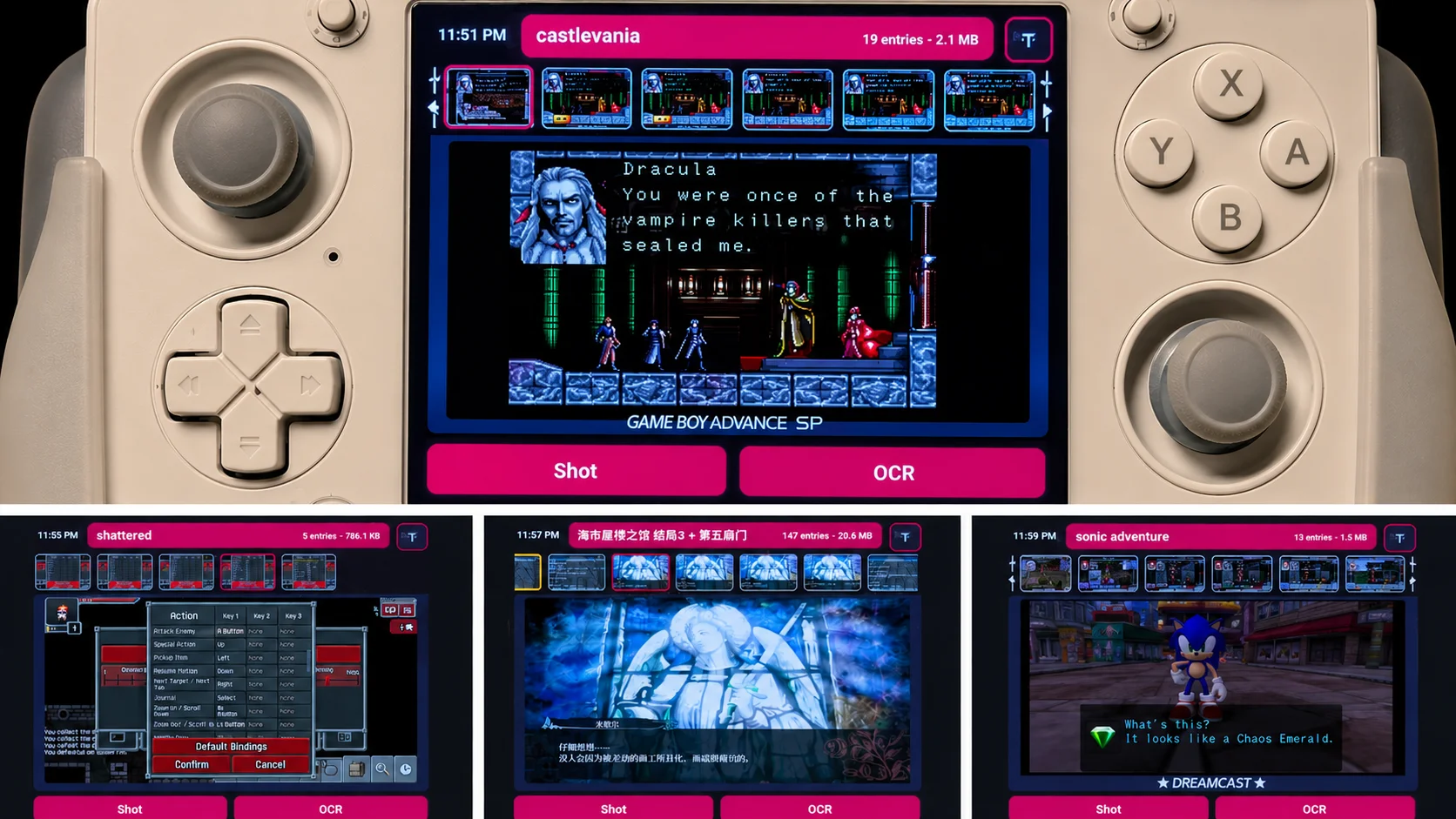
When you play lots of games and switch between them, it is easy to forget what was happening in each one. ThorNotes helps by letting you quickly save in-game screenshots or OCR text from a selected screen region, then browse everything later in a clean bottom-screen interface.
Main Features
- Save screenshots into notebook pages; or OCR a selected screen region and save the recognized text
- Multiple notebook pages for quick switch between different games
- Browsing: screenshot thumbnails for quick jumping; pin/star important screenshots
- OLED blackout mode: double-tap the time to make the bottom screen black, double-tap again to restore
- Floating overlay button to hide/restore the app
- Data safety: every notebook page is stored in json and plain image files, can be migrated if needed